Imitated but never equalled, NeXus is the original and still the best.
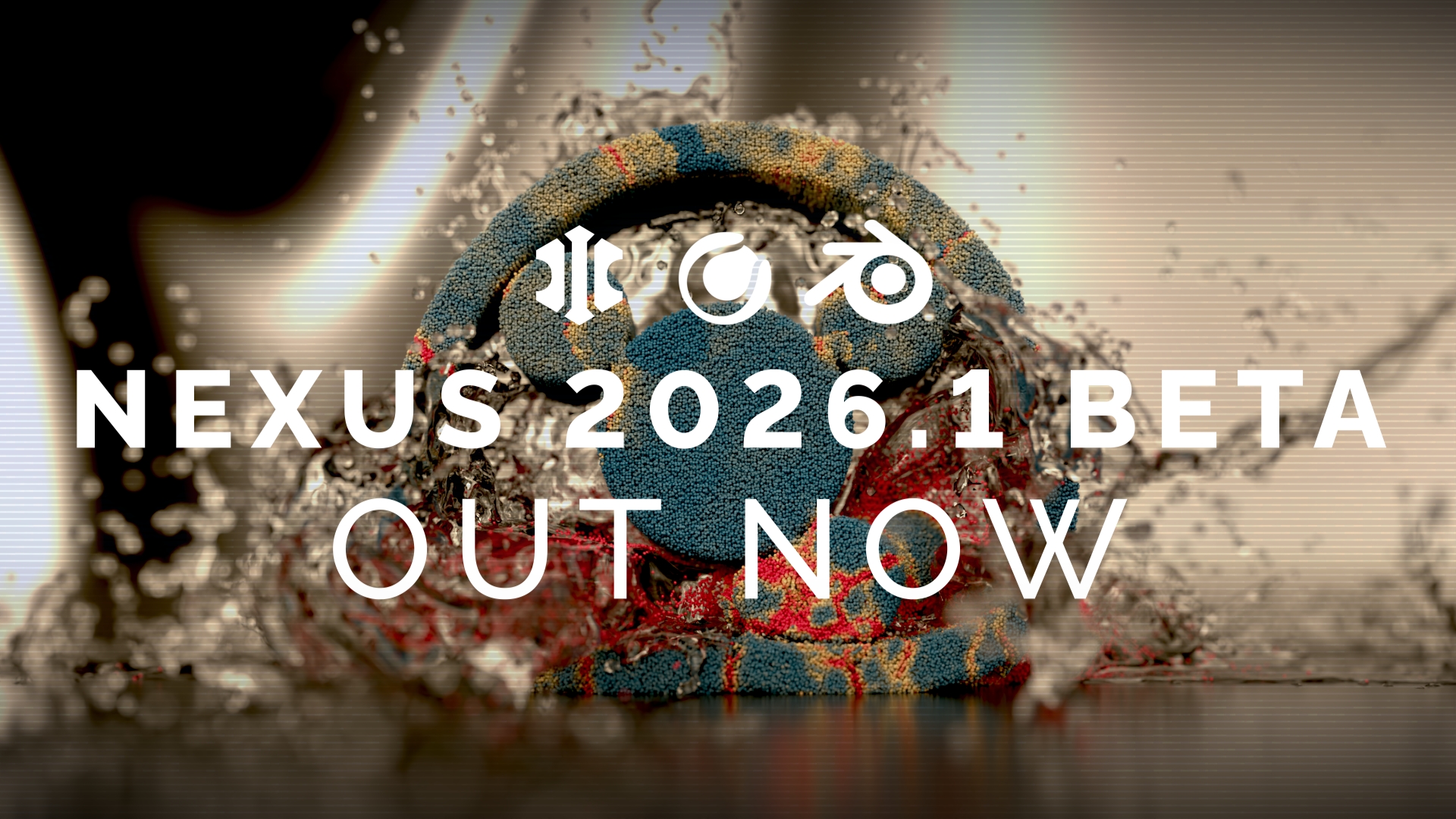
INSYDIUM NeXus 2026.1 Beta is here
Updated 7 October: Beta 2 is out now. It adds nxOcean, nxShatter and nxWarp plus more bug fixes. See the NeXus product page for the full list of fixes.
NeXus is now one system for both Cinema 4D and Blender. The 2026.1 Beta brings NeXus to Cinema 4D on the same engine as Blender, so both hosts share the same solvers, the same modifiers and the same results. It also brings our new nxMPM multi-material solver and a long list of new tools and upgrades since the 2026.0 release.
The Beta is free for any INSYDIUM licence. No licence yet? Request a free Beta licence from your Customer Account.
In Cinema 4D the Beta unlocks all of INSYDIUM Fused. Any INSYDIUM licence gets full access to the INSYDIUM Fused collection, including X-Particles, Taiao, TerraformFX, MeshTools and Jidou, plus the latest NeXus Beta until the Beta closes.
Powered by Theron™
At the heart of NeXus is Theron, our GPU simulation engine. Rather than adapt old code, we built NeXus on a modern Vulkan foundation and wrote our own GPU compute core, so every simulation runs efficiently on your graphics card.
Building on Vulkan means Theron runs natively across the widest range of hardware: NVIDIA, AMD and Intel GPUs on Windows and Linux plus Apple's Metal on macOS. You get the raw power and flexibility of a low-level GPU compute platform like CUDA, without being tied to a single GPU vendor.
We designed Theron to be as flexible and powerful to work with as CUDA, while staying fast and memory-efficient. Simulations solve quickly, scale to high particle counts and update in real time in the viewport, so you can art-direct as you go.
One engine, every host
Theron does not belong to any one 3D application. The solvers, the modifiers and the particle system all live in the engine. Cinema 4D and Blender each sit on top of it. With 2026.1, NeXus for Cinema 4D runs on exactly the same Theron engine as NeXus for Blender.
That makes NeXus one unified system across both hosts. A setup behaves the same way in Cinema 4D as it does in Blender, so your experience and your training carry straight over and a studio that uses both can work in one system. Every new feature arrives in both at once. What changes is only how you add things and wire them up in each host.
One licence, both hosts. A NeXus licence works in Cinema 4D and in Blender. If you already own NeXus for Blender, your licence now runs NeXus in Cinema 4D too, at no extra cost.
Works with Cinema 4D's own GPU particles and Pyro
In Cinema 4D 2025.3 or later, NeXus links straight into Cinema 4D's native GPU particles and Pyro. NeXus sends its particles into Cinema 4D's GPU particles and reads them back. nxExplosiaFX and Pyro exchange smoke and fire both ways, so your native Cinema 4D setups and NeXus work together in the same scene.
See it in action
nxMPM Tech Preview: liquid, elastic, snow, sand, brittle, metal and foam materials in one simulation.
nxCollider Tech Preview: the new adhesion controls, so particles stick to and slide off your colliders.
New in 2026.1
New solvers and tools
- nxMPM: a new multi-material solver. Liquid, elastic, snow, sand, brittle, metal and foam materials in one simulation.
- nxMPM controls: two solver modes, resolution control with a grid memory estimate, walls that can open and full nxCollider support.
- nxMPM material mixer and fracture: materials change into other materials by age, speed, stretch, damage and more. Fracture lets any material crack apart.
- nxMPM auto sleep: particles at rest stop computing until a collider, a force or the grid wakes them again.
- nxMaterial: one click makes an emitter with an MPM material ready to simulate.
- nxDeformer: the particles move and your mesh follows. It can tear where the mesh stretches too far and remesh. In Blender it can also subdivide and deform curves.
- nxPin: hold selected particles still to anchor cloth, rope and soft bodies. Pick them by falloff, group, ID list, particle data or object, carry them on an object or pin them on birth only.
- nxBind: keep particles in place inside a deforming volume, then release them by age, life, speed or temperature, in chunks if you like.
- nxBioLogic: cellular growth with reaction-diffusion, differential growth, physarum, particle life plus coral and primordial modes, with tube meshes.
- nxOcean: a GPU ocean surface with wind and wave spectrum controls, foam and whitecaps, spray, wakes from moving objects and shorelines. Objects can float on the waves and the ocean works with FLIP liquids.
- nxShatter: break meshes into pieces on the GPU.
- nxWarp: a new modifier that warps particles, with Scroll, Fit Parent and the NeXus noise types. Particles that leave it can be killed, moved to another group or released.
More control
- Falloffs: nine new shapes including Torus, Capsule, Cone, Spline and Attribute, plus falloff layers that invert, clamp, remap, step, quantize, curve, cycle, freeze, decay, delay or grow. Every modifier layer gets its own falloff list and there is a new nxFalloff Modifier.
- Cyclic layers: repeating patterns with a Cyclic layer in nxColor and a Cyclic generator in nxFlowField.
- nxEmitter Initial State: start a simulation from a saved state, kept in the scene or in a file. Keep Stored Age keeps the saved age of each particle.
- nxEmitter Display Channels: several display channels you switch between, each with its own colour, that mapping can read from.
- Mapping to many targets: one mapping layer can now drive several parameters.
- Match Solver Resolution: every emitter can now match the solver resolution.
- nxQuestion: Set Sleep for nxMPM particles and an Asleep flag.
Liquids, collisions and meshing
- FLIP liquids: thick, non-Newtonian liquids, liquid density in the mixer, wall friction and colouring by viscosity or density.
- nxCollider: adhesion with Stick Distance, Creep, Pull, Escape Speed and Stringing. Variation now also works on Bounce, Friction, Scatter and Expand. Surface maps can come from vertex maps, attributes, colour, images or noise. There is a new Outside, Fill Hollows normals option.
- nxMesher: UV advection, so textures move with the liquid, plus Detail Aware smoothing and nxGroups as a source.
- nxCache: record a frame range. It stops safely with a warning when the disk is full.
Viewport and workflow
- New viewport renderer: shared by both hosts, with improved voxel drawing for FLIP, nxExplosiaFX and nxFlowField.
- Add menu: sorted into Presets, Generators, Dynamics and Modifiers.
- And more: a new nxGenerator mode with tabbed settings, per-layer colour in nxDendrite, create buttons for nxFoam and nxSheeter plus spline thickness in nxCover.
- In Blender: Collection Instances work as colliders and in every modifier that takes a mesh. Falloffs can read vertex maps, nxQuestion gains a GLSL script editor and Quill can use your own AI provider. Windows ARM64 is now supported.
- In Cinema 4D: a link to the native GPU particles and Pyro in Cinema 4D 2025.3 or later, where NeXus modifiers can also drive the native particles. A NeXus Project Settings tab with document substeps plus GPU preferences and Rewind on Load.
See the full feature list on the NeXus product page.
What you get
- Runs where you work: Cinema 4D R19 or later plus Blender 4.3 or later including the 4.5 LTS and Blender 5 and newer.
- Perpetual licence: a one-off payment and a licence that never expires, for both hosts, with 12 months of updates included from the day you buy.
- Own INSYDIUM Fused or X-Particles? You always get 50% off.
System requirements
Cinema 4D R19 or later on Windows or macOS. The link to Cinema 4D's GPU particles and Pyro needs Cinema 4D 2025.3 or later. Blender 4.3 or later on Windows, macOS or Linux. NeXus is GPU-accelerated, so you will need a modern GPU with up-to-date drivers and at least 4GB of VRAM. On Windows and Linux this requires Vulkan 1.3. On macOS it requires Metal 3 and macOS 13.0 or later. The accelerated viewport needs macOS 26.4 or later in this beta.
Watch and learn
We are adding new NeXus training all the time. Get started on our YouTube channel:
Documentation and support